
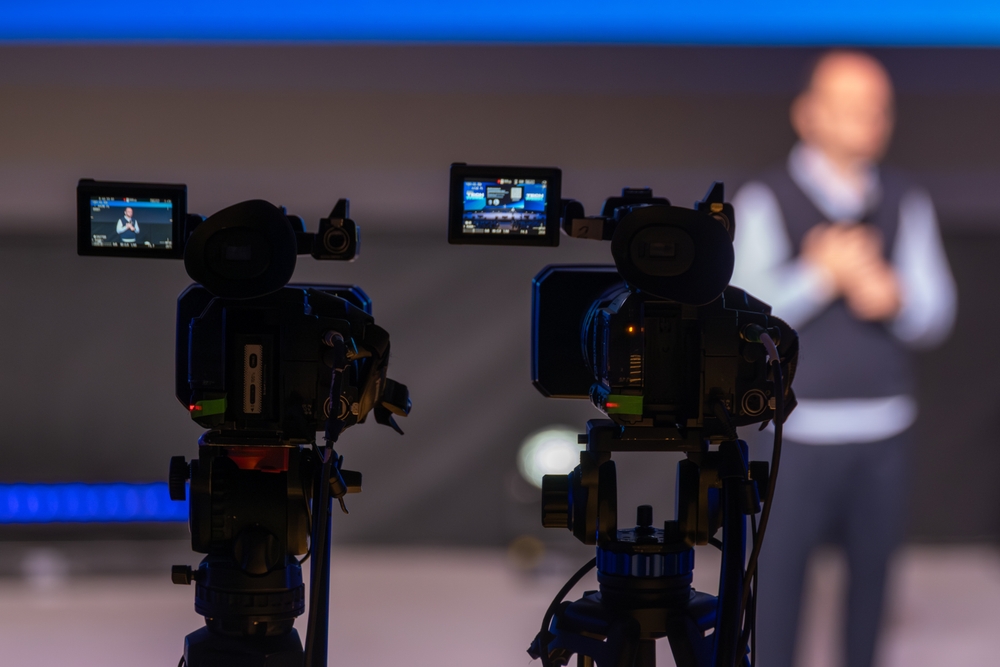
If you’re setting up or upgrading your church livestream, one of the first questions that comes up is this:
“What camera should we buy?”
It’s a fair question — and an important one. The camera is the window into your service. It’s how online viewers experience worship, hear the message, and feel connected to what’s happening in the room.
But here’s the truth: the “best” camera isn’t always the most expensive one. It’s the one that fits your space, your team, and your workflow.
Let’s walk through how to choose wisely.
Start With Your Room, Not the Camera
Before you look at brands or specs, look at your sanctuary and answer these questions:
- Is it brightly lit, or relatively dim during worship?
- Is the camera 15 feet from the stage — or 75 feet?
- Do you have volunteers running cameras, or is everything locked off?
Your environment determines far more than the marketing brochure ever will.
For example, if your room is darker during worship, low-light performance matters more than ultra-high resolution. If your camera is far from the platform, strong optical zoom becomes critical. If you don’t have camera operators, you may want something remotely controllable.
The camera should serve the room — not the other way around.
Understanding the Main Camera Categories
Most churches end up choosing from one of four types of cameras. Each has strengths and tradeoffs.
- Camcorders
For many churches, camcorders are the most practical starting point.
They typically offer:
- Built-in long zoom lenses
- Continuous power options
- Clean HDMI or SDI outputs
- Reliable autofocus
They’re designed to run for hours without overheating, and they don’t require a lot of technical management.
If you want something dependable and relatively simple, a good camcorder is often the safest choice.
- Mirrorless or DSLR Cameras
These are popular because they produce a cinematic, shallow depth-of-field look.
They shine in:
- Controlled lighting environments
- Close-up sermon shots
- Highlight videos
However, they come with considerations. Some models overheat. Many require clean HDMI output. Lenses are interchangeable, which adds cost and complexity.
They can look beautiful — but they require more management and intentional setup.
- PTZ (Pan-Tilt-Zoom) Cameras
PTZ cameras are especially attractive for churches with limited volunteers.
They can be mounted permanently and controlled remotely. One operator can manage multiple angles from a joystick or software controller.
They’re ideal if:
- You don’t have camera operators
- Your cameras are mounted high or far away
- You want flexibility without physical repositioning
Modern PTZ cameras also integrate well with streaming systems over network connections.
For many mid-sized churches, PTZ systems offer a strong balance of quality and efficiency.
- Cinema Cameras
These are higher-end options typically used in larger churches with full production teams.
They offer:
- Exceptional image quality
- Advanced color grading flexibility
- Professional connectivity options
But they require experienced operators, proper lighting, and often external recording or switching systems.
For most churches focused on weekly worship streaming, this level may be more than necessary.
Resolution: 1080p Is Still More Than Enough
There’s a lot of marketing around 4K and beyond. But for livestreaming worship services, 1080p remains the standard — and more than sufficient.
Most streaming platforms compress video heavily. Your viewers are often watching on phones, tablets, or laptops. The difference between 1080p and 4K is usually negligible in that context.
Instead of chasing resolution, focus on:
- Good lighting
- Sharp focus
- Stable exposure
- Clean signal output
A well-lit 1080p image will always look better than a poorly lit 4K one.
Low-Light Performance Matters More Than You Think
Many churches dim lights during worship. That’s where cheaper cameras struggle.
When a camera doesn’t handle low light well, you’ll see:
- Grainy image
- Washed-out colors
- Soft focus
- Motion blur
If your room isn’t brightly lit, prioritize a camera known for strong low-light performance over one boasting higher resolution.
Better yet, improve your lighting before upgrading your camera. Lighting often makes a bigger visual impact than the camera itself.
Optical Zoom vs. Digital Zoom
If your camera is positioned far from the stage, optical zoom is essential.
Optical zoom uses the lens to magnify without losing quality. Digital zoom simply crops the image — reducing clarity.
For churches where the camera sits at the back of the sanctuary, a strong optical zoom range is non-negotiable.
Connectivity: HDMI or SDI?
Most entry-level cameras output via HDMI. That works well for short cable runs.
However, HDMI cables are limited in length and can be fragile in permanent installs.
SDI, on the other hand, is designed for professional environments. It can run longer distances and locks securely into place.
If your camera is mounted far from your streaming station, SDI may be worth considering.
Don’t Forget About the Whole System
A camera doesn’t operate alone.
You also need to think about:
- Tripods or mounting systems
- Capture cards or switchers
- Power solutions
- Cables and routing
Sometimes the “cheaper” camera becomes more expensive once you factor in everything else required to make it work properly.
Choose a camera that fits smoothly into your existing workflow.
A Practical Recommendation Path
For small churches just starting out, a solid camcorder is often the simplest and most reliable option.
For churches with limited volunteers but a desire for multiple angles, PTZ cameras can offer tremendous flexibility.
For churches wanting a more cinematic look and who have volunteers willing to learn, mirrorless cameras can be a great fit.
The key is not to overspend chasing features you won’t use.
Choosing the right camera for worship livestreaming isn’t about buying the most impressive piece of equipment. It’s about faithfully representing what’s happening in the room.
Your goal is clarity, consistency, and connection.
When online viewers can clearly see facial expressions, read body language, and feel present in the moment, your camera is doing its job.
Start with your space. Consider your team. Build around reliability.
And remember — a well-supported, properly placed, and properly lit camera will serve your ministry far better than the most expensive model used poorly.


